The Mac Is the New AI Perimeter. Ferentin for Endpoints Is on the Jamf Marketplace.
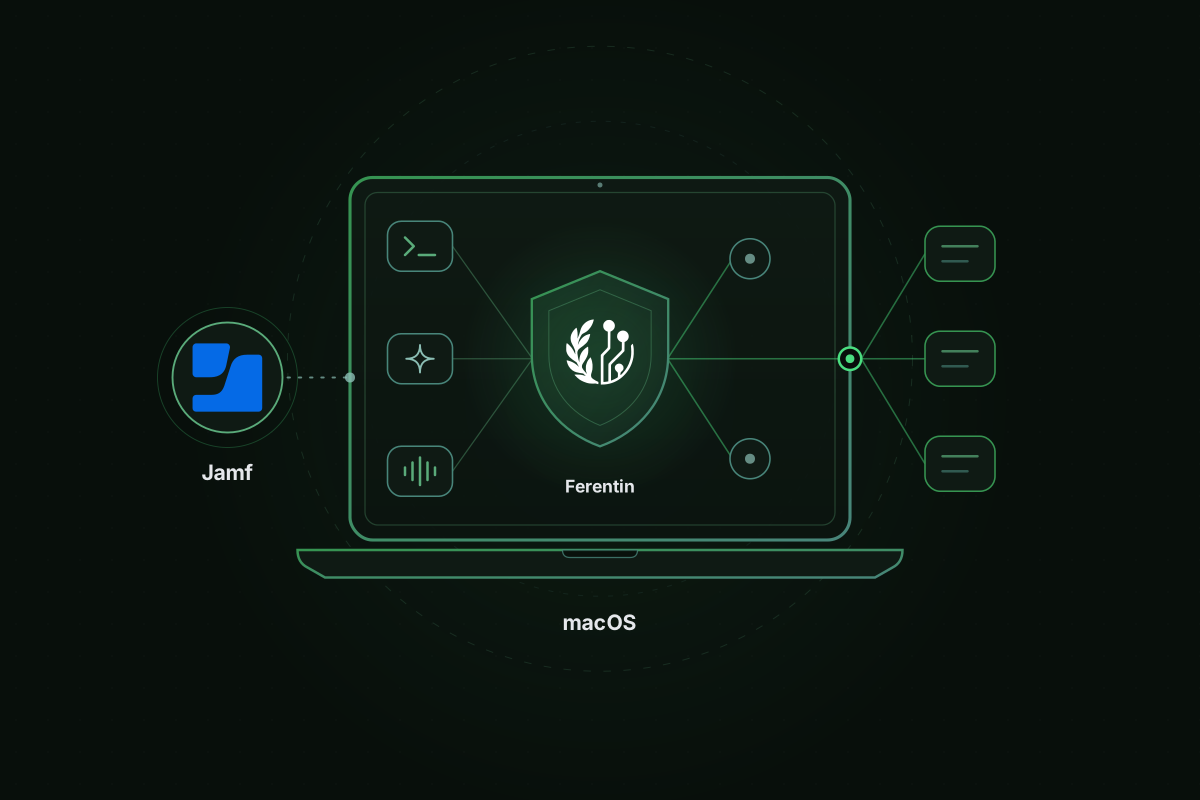
Ferentin for Endpoints is now on the Jamf Marketplace. It is a managed macOS agent that inventories the AI coding agents, assistants and MCP servers on every Mac, attributes where their data goes and enforces signed policy that keeps working offline. Jamf Pro and Jamf Now customers deploy it the way they deploy everything else, through smart groups and release rings.
The timing is not an accident of our roadmap. On a single day two weeks ago, two very different attacks reminded the industry where the AI perimeter actually sits. Both started on a developer's machine.
October 29
A trusted update channel. Between about 2:27 a.m. and 1:35 p.m. Pacific, Cursor's extension marketplace served a trojanized build of the Claude Code extension under Anthropic's real extension ID. Versions 2.1.312 and 2.1.313 arrived as ordinary auto-updates to at most 5,000 users. Anthropic's own systems were not involved. The payload added an attacker's SSH key to ~/.ssh/authorized_keys, installed a LaunchAgent disguised as com.apple.sysmond and tried to open a reverse tunnel. It also sent home the names of up to 40 environment variables containing words like KEY, TOKEN, SECRET and AWS. Not the values. Just a map of which credentials each developer had loaded.
A search result, an interview and an internal AI tool. The same afternoon, attackers drained about $6.34 billion from Binance. Binance's initial findings describe a campaign that took months. In June a wallet DevOps engineer searched for a popular AI coding tool and installed a tampered Homebrew package. In September a second engineer took a "coding assignment" during a fake job interview. Its setup step replaced a pyenv component with one that phoned home. On October 20 the attacker used that second machine and an internal AI tool to take control of two more engineers' computers. On October 29 they used credentials from one of those laptops, including a token with container deployment rights, to reach the wallet signing service. Binance's co-CEO said the attackers "moved violently through our internal AI tools." The FBI has attributed the theft to North Korea.
What the two attacks have in common
Neither was an AI exploit in the narrow sense. Binance has not reported a prompt injection or an MCP flaw. The Cursor payload was ordinary malware. What they share is more important than that.
The first move happened on the laptop. A marketplace update, a search result and an interview repository all ran as the developer. No network gateway saw them, because there was nothing to see yet.
The prize was what the laptop could reach. At Cursor it was a list of every credential each developer had loaded. At Binance it was a deployment token and a path to the system that signs transactions.
AI tools carried that reach further. An internal AI tool helped the attacker move from one engineer's machine to two others. Agents run with the identity, the tokens and the network access of the person who launched them. Whoever controls the laptop inherits all of it.
For two years enterprise AI security has meant the network: which models employees reach, which SaaS tools agents call, what crosses the wire. Those controls still matter. But the decisions that decide the outcome increasingly happen one hop earlier, on the endpoint.
Apple is turning the Mac into an agent platform
That hop is getting busier. With macOS 27, Siri AI "lets users get things done across apps" and "uses the system orchestrator to tap into core capabilities like the Spotlight index and App Toolbox." It reads what is on screen and draws on personal context from apps that integrate with Spotlight. Apple ships it with its own privacy architecture: on-device models, Private Cloud Compute and App Intents as the contract between Siri and every app.
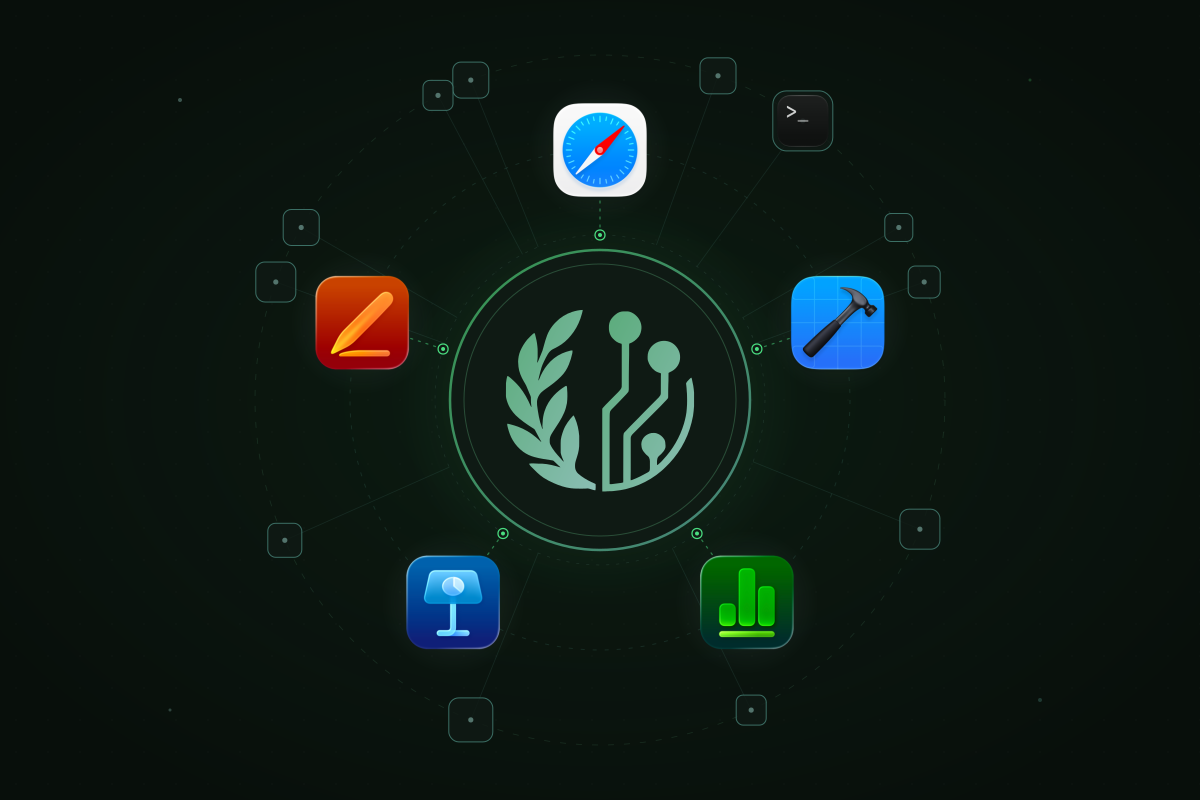
Apple is also opening its own apps to everyone else's agents. As we wrote two weeks ago, Safari ships a local MCP server and Xcode lets external coding agents edit and build projects. Keynote, Pages and Numbers gain MCP support this month.
Put those together and a typical engineering Mac in November 2026 runs Claude Code, Codex, Cursor and Copilot, each with its own configuration files, its own list of MCP servers and its own copy of whatever tokens the developer pasted in. None of them comes with Apple's privacy architecture. All of them inherit everything the developer can reach. The Mac is where agents, credentials and tools now meet. That makes it the perimeter.
Four questions the new perimeter has to answer
- What is running? Which agents, assistants, MCP servers, skills and plugins are on each Mac and which app hosts them.
- What can they reach? Which MCP servers, local and remote, each agent is configured to call and which of their tools it may use.
- What secrets move through them? Which keys and tokens end up in prompts, tool calls, tool output and configuration files.
- Where does the data go? Which process sent what to which destination.
Ferentin for Endpoints is built to answer those four on every managed Mac.
Keeping secrets out of agent traffic
The most dangerous thing an agent can do with a secret is send it somewhere. A coding agent that reads .env while debugging, pastes an AWS key into a shell command or returns a private key in a tool result has moved a credential into a model's context, a vendor's logs and possibly an attacker's hands.
Agent traffic is scanned on the device. Ferentin installs hooks into Claude Code, Cursor, Codex and Copilot through each vendor's own managed configuration. Data protection runs locally against the detectors in your signed policy. The catalog has 104 detectors, 38 of them for secrets: AWS and GitHub tokens, OpenAI and Anthropic API keys, SSH private keys, JWTs, database connection strings and more. On Claude Code and Cursor, tool input such as a shell command, a file write or MCP call arguments is checked before it runs. A separate unprivileged process checks prompts on Claude Code, Cursor and Codex. It checks tool output on Claude Code and Codex. A match can be blocked, logged or, for output, redacted in place. The device never rewrites what an agent runs, so a redact rule on input is enforced as a block.
Secrets in configuration files are flagged. A local MCP server launched with a token on its command line is a credential sitting in a plain JSON file. Ferentin scans each local server's launch line with the same detectors and reports the finding to the console. The value itself never leaves the Mac. Ferentin's MCP launcher warns about inline credentials and can be set to refuse to start a server that has them.
Fewer tokens need to live on the laptop at all. A remote MCP server reached through the Ferentin gateway authenticates the developer through your identity provider, so the personal access token in their config file can be revoked. When Ferentin blocks a server, the live entry is rewritten without its headers or environment, so its token is no longer sitting in a file every agent reads. And the endpoint agent proves its own identity with a non-exportable device key and a short-lived certificate, not a long-lived secret.
We are deliberate about what this is not. Ferentin does not vault the API keys that already sit in a developer's shell environment. That is your secrets manager's job. Ferentin's job is to make sure those keys don't leave through an agent.
One policy for local and remote MCP servers
A remote MCP server sits behind a URL a gateway can inspect. A local MCP server is a process the agent starts itself, talking over a pipe no gateway sees. Most tools govern one or the other. Ferentin uses a single MCP access policy for both, enforced at whichever point holds the facts.
Discovery. The endpoint agent reads the MCP configuration of each AI client on the Mac and reports every server, local and remote, along with the client that would launch it.
Remote servers through the gateway. Approved remote servers are re-pointed at your tenant's Ferentin gateway, where every call is checked against policy and data protection and recorded. Servers nobody approved are quarantined or blocked, so the governed path is the only one.
Local servers approved once for the fleet. A local server is identified by its package, its command line or a hash of it. It is approved once for every managed Mac rather than one developer at a time. It starts through Ferentin's launcher, which checks the policy before the process runs. Approving a server approves none of its tools. Each tool is vetted on its own. A local server's results pass through the same data protection as a remote one's.
Denied at the agent. If a developer edits a config by hand to call a server the policy refused, the agent's hook denies the call.
The result is one place to answer "which agents can call which tools, on which Macs" whether the server runs in a datacenter or in the developer's home folder.
Built for how Mac teams already work
Endpoint teams should not have to learn a new deployment model to give security teams visibility. The Jamf integration publishes a signed, notarized agent package and a removal package straight into Jamf Pro. It registers extension attributes and creates an install policy scoped to the smart group you choose. Start with a pilot group, then move through Internal, Canary and Production rings. Smart groups surface Macs that need attention, such as version drift or an unsigned profile. On Jamf Pro, each release ships a Patch Management definition so updates follow the patch workflow your team already runs. It requires Jamf Pro 11.9.1 or later and Apple silicon Macs on macOS 15 or later.
Three design choices matter to the people who run fleets:
- Signed policy that works offline. Policy arrives as a signed bundle every five minutes. If a Mac goes offline or a fetch fails, it keeps enforcing the last good policy.
- Attribution without interception. A macOS content filter attributes each network flow to the signed app that opened it, by signing ID and Team ID. It doesn't terminate TLS or read payloads.
- Prompts stay on the Mac. Data protection and hooks report which detectors matched and what was done. They never send the prompt, the tool output or the matched text.
Where this fits
No single product would have stopped a months-long, state-backed campaign like the one against Binance. The malware in both incidents is the job of your EDR. Your fleet is the job of Jamf. Identity belongs to your IdP.
What none of those were built to see is the agent layer: which agents run on a Mac, which tools they call, what secrets flow through them and where the data goes. That layer now holds a developer's tokens, their source code, their browser and, from this month, their documents. It deserves the same discipline as every other part of the perimeter.
Ferentin for Endpoints is on the Jamf Marketplace today. Talk to us about bringing it to your fleet.
Stay in the loop
Get the latest on enterprise AI security delivered to your inbox.