Apple Is Turning Mac Apps into MCP Servers. Now Govern Them.
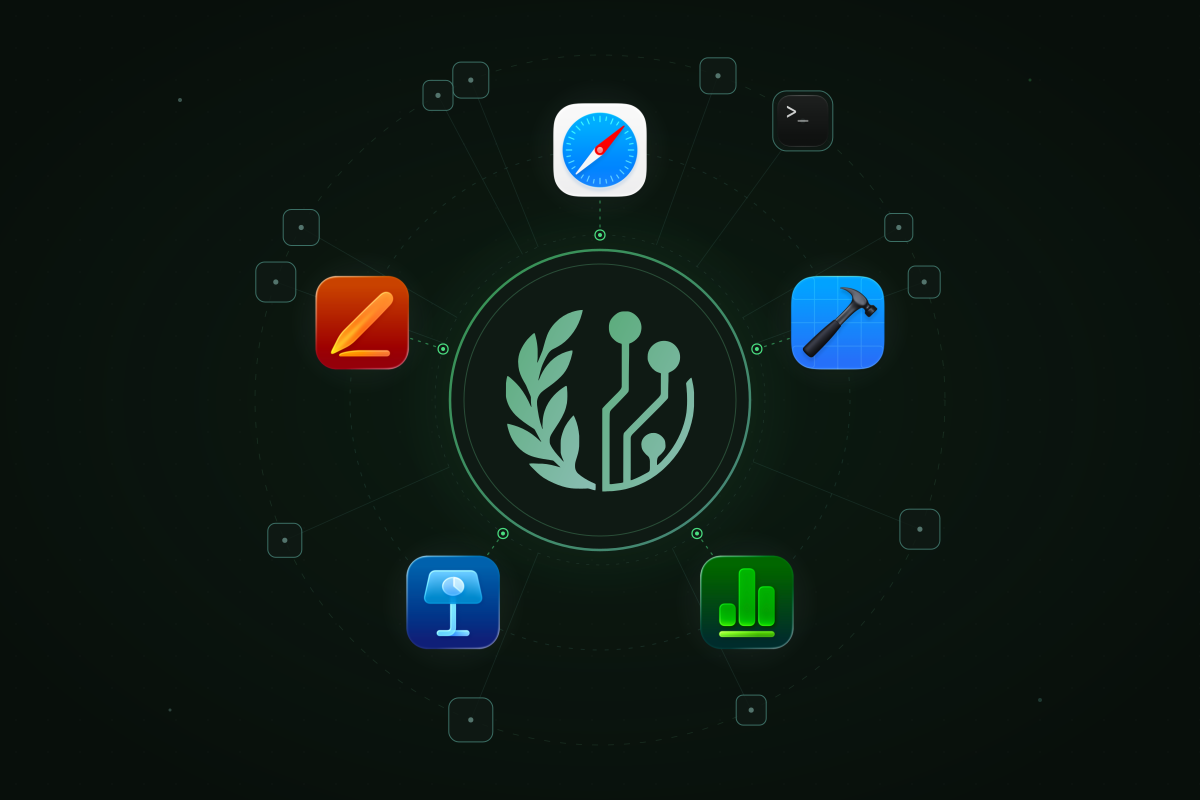
Apple is turning its Mac apps into MCP servers. Safari 27 already exposes browser automation through a local MCP server. Xcode already lets external coding agents edit and build your projects. Today Apple went further. Its Creator Studio update brings MCP support to Keynote, Pages and Numbers in November, so external agents can read, edit and automate the documents your business runs on.
That expands what AI agents can do on employee devices. It also creates a new governance problem. A remote MCP service sits behind a URL, where a gateway can inspect every call. A local MCP server talks to its agent through a connection between two processes on the same laptop, so its tool calls never pass the network gateways most enterprises built for AI.
The enterprise security question is no longer just which AI services employees reach. It is which agents can invoke which tools, on which devices and under whose authority.
What Apple shipped
Safari. The Safari MCP server comes with Safari 27 and Safari Technology Preview. An agent launches it as /usr/bin/safaridriver --mcp and gets 17 tools. They open and switch tabs, navigate and read pages as Markdown or HTML. They run JavaScript on the page and click, type and scroll. They take screenshots and read console logs and network requests. Apple is careful about the boundaries. The server makes no network calls of its own and cannot read personal information in Safari such as AutoFill or other browsing activity. Page content, screenshots and logs go straight to whichever agent connected. Apple's own advice is to only connect agents you trust.
Xcode. External agents reach Xcode through xcrun mcpbridge. Once a developer turns on "Allow external agents to use Xcode tools" in Xcode's Intelligence settings, an agent like Claude Code or Codex can modify the open project and perform actions such as building the app. Xcode alerts the developer when an agent connects.
Keynote, Pages and Numbers. Apple's Creator Studio update, announced October 27, adds MCP support so external AI agents and tools can read content, perform edits and execute automated actions in all three apps. It requires macOS 27 and arrives for subscribers in November. Apple hasn't published how a client connects yet.
Putting them to work
These servers are worth using, which is exactly why they need governing. Here is how a team would put each one to work.
Safari: an agent that can see what it built
Turn on "Show features for web developers" under Safari's Advanced settings, then "Allow remote automation and external agents" under Developer. Then register the server with your agent:
claude mcp add safari-mcp -- "/usr/bin/safaridriver" --mcp
codex mcp add safari-mcp -- "/usr/bin/safaridriver" --mcp
Any other MCP client takes the same command in its configuration:
{
  "mcpServers": {
    "safari": { "command": "/usr/bin/safaridriver", "args": ["--mcp"] }
  }
}
What changes is that a coding agent stops guessing how its work renders. Some prompts a front-end team might use:
- "Open the checkout page on localhost:3000, fill in the test card and tell me what the console logs when payment fails." The agent navigates, types, clicks and reads
browser_console_messages. - "Check the pricing page at 375 and 1440 pixels wide and screenshot anything that overflows." That is
set_viewport_sizeplusscreenshot. - "Why is the dashboard slow? List the requests it makes and find the one that takes longest." That is
list_network_requestsandget_network_request. - "Show me how this invoice prints." That is
set_emulated_mediaset to print.
Xcode: an agent that can build what it wrote
Turn on "Allow external agents to use Xcode tools" under Xcode's Intelligence settings, open the project in Xcode and register the bridge:
claude mcp add --transport stdio xcode -- xcrun mcpbridge
codex mcp add xcode -- xcrun mcpbridge
Now the agent works inside the project Xcode has open, instead of editing files and hoping. A developer can ask it to "fix the build errors from my last change and build again until it passes" or "add the settings screen from this spec and build the app to check it compiles." The loop of editing, building and reading the result happens without the developer copying errors back and forth.
Safari and Xcode together
The two compose. A team shipping an app with a web companion can ask one agent to change the shared API client in Xcode, build the app, then open the web dashboard in Safari and confirm the same data still renders. One prompt now spans the developer's two most important tools.
Keynote, Pages and Numbers: agents in your documents
Apple says agents will be able to read content, perform edits and run automated actions in all three apps. Imagine asking an agent to "update the Q3 model in Numbers with the new bookings export, then refresh the charts in the board deck in Keynote" or "turn these meeting notes into a formatted proposal in Pages." Apple hasn't documented how clients connect yet, so treat the setup as pending until it does.
Every one of these workflows sends the page, the code or the document to the agent's model. That is the point of them. It is also why the next question matters.
Why local servers are a different problem
Most MCP governance today assumes the server is somewhere else. A SaaS MCP server for Salesforce or GitHub sits behind a URL, so an MCP gateway can sit between the agent and the server. The gateway checks identity and policy and records every call.
Apple's servers break that assumption in four ways.
There is no network hop to inspect. A local MCP server talks to the agent over stdio, a pipe between two processes on the same Mac. The gateway, the proxy and the firewall see nothing. What does leave the laptop is the agent's call to its model, carrying whatever the tools returned.
The switch belongs to the employee. Safari's toggle lives in Safari's Developer settings and Xcode's in Xcode's Intelligence settings. Security has no list of who turned them on or which agents connected afterward.
The tools are powerful in ways the app's name hides. "Safari" sounds harmless. In practice, it hands an agent a browser on the corporate network. That browser can open the intranet wiki, the internal dashboard and any SaaS admin console the Mac can reach. It can then send what it reads to a model the company may never have approved. Xcode builds run the project's build scripts, which makes the Xcode server a way to execute code. Pages, Keynote and Numbers are where the board deck, the financial model and the draft contract live.
The pages an agent reads can steer it. An agent driving a real browser reads untrusted content all day. A page that hides instructions for the agent can turn a summarization task into clicks and form submissions, with the developer's own access.
None of this is a flaw in Apple's design. Apple scoped each server carefully and told users to trust their agents. The enterprise question is the one a user can't answer alone: which agents, on which machines, using which tools.
What each server exposes
| Server | What an agent gets | What to watch |
|---|---|---|
| Safari | A browser on the Mac's network: navigation, page content, JavaScript, input, screenshots, console and network requests | Internal pages leaving through the model. evaluate_javascript and get_network_request, since request details can carry session headers. Prompt injection from pages |
| Xcode | Edits to the open project, builds and other Xcode actions | Source code leaving through the model. Builds that run project scripts |
| Keynote, Pages, Numbers | Reading, editing and automating documents (from November) | The most sensitive documents in the company, readable by any agent the user connects |
A name is only as strong as its path
Governing a local server starts with knowing what it is. Here, Apple's two servers teach opposite lessons.
Safari's server is a fixed path, /usr/bin/safaridriver, on macOS's sealed system volume. Nothing replaces that file without disabling System Integrity Protection, so the command line /usr/bin/safaridriver --mcp is a strong identity. It also survives macOS updates, which matters more than it sounds. An allowlist keyed on a binary's hash breaks every time Apple ships a new safaridriver. Every developer's approval then falls back into a review queue.
Xcode's server is launched as xcrun mcpbridge. xcrun is found on the developer's PATH. It picks which mcpbridge to run from the selected Xcode, the DEVELOPER_DIR and TOOLCHAINS variables and finally PATH. Approving xcrun mcpbridge really approves Xcode's bridge as that developer's environment resolves it. That is a reasonable thing to approve, since changing it takes write access to the developer's own environment. But a governance tool should say so, not pretend it approved one signed binary.
What governing them takes
Turning these servers off defeats the purpose. Engineers will want Safari for testing and Xcode for building. The business will want agents in its documents. Governing them takes five things:
- Inventory. Know which managed Macs have an AI client configured to launch these servers and which clients they are.
- Approval before first use. Approve a server once for the fleet, by an identity that survives OS updates, instead of reviewing every developer's first launch.
- Approval per tool. Allow
screenshotandget_page_contentwhile holdingevaluate_javascriptfor review. A server's tools are not equally risky. - A record of every call. Who ran which tool, from which client and when, so an investigation has something to start from.
- Honesty about identity. Say how strong each approval is, so the admin knows what they are signing off.
How Ferentin governs local MCP servers
Ferentin governs local MCP servers on managed Macs the same way it governs remote ones.
- Discovery. Ferentin's endpoint agent watches the MCP configuration files of Claude Code, Codex, Cursor and other AI clients, so security sees each local server a client is set up to launch.
- A catalog that now names Safari and Xcode. Ferentin's local MCP catalog names servers that ship as binaries, not just npm and PyPI packages. Safari is named by its sealed system path and Xcode by
xcrun mcpbridge. Each catalog entry states in plain language how strong that name is. - Add from the catalog, approved for the fleet. An admin adds Safari or Xcode once and every managed Mac running that exact command line is covered, before anyone launches it and across OS updates. A server no one approved stays pending until an admin reviews it.
- Tools start unvetted. Approving a server approves none of its tools. Each tool is reviewed on its own, so
evaluate_javascriptcan stay held while the rest of Safari works. - Every call recorded. Local tool calls are recorded with who, which server and which tool, alongside the gateway's records for remote MCP servers, in one audit trail.
Keynote, Pages and Numbers join the catalog as soon as Apple documents how clients launch them. We will name them from Apple's documentation, not from a guess.
The Mac is now part of your AI attack surface
For two years, enterprise AI security has been about the network: which models employees reach, which SaaS MCP servers agents connect to, what crosses the wire. Apple just moved a meaningful part of that surface onto the laptop, inside apps everyone already trusts.
The answer is not to block Safari or Xcode. It is to know which agents use them, approve them on purpose and see every call they make. If your developers run Safari 27, they can already hand an agent a browser. Talk to us about governing local MCP servers on your fleet.
Stay in the loop
Get the latest on enterprise AI security delivered to your inbox.