
Box
GAGive AI agents governed access to search, retrieve and manage enterprise content in Box through a secure remote MCP server.
How it works
Every agent request passes through Ferentin policy before it reaches Box.- AI agentAsks for something
- Ferentin policies
- PII detection
- PII masking
- Audit logging
- Content moderation
- Box MCP serverAuthorized connection
- Governed resultMasked, logged, returned
What you can do with Box
Discover
Search and browse what exists, without opening the content itself.
6 tools
Access
Read content and metadata, subject to masking policy.
7 tools
Manage
Create, update, organise and remove items.
13 tools
Collaborate
Comment, share and coordinate with people.
3 tools
Technical capabilities29 tools
Discover
- List Folder Content
- List Metadata Templates
- List Tasks
- Search Files by Keyword
- Search Files by Metadata
- Search Folders by Name
Access
- Get File Content
- Get File Details
- Get File Preview
- Get Folder Details
- Get Metadata Template Schema
- Get Preview Page
- Who Am I
Manage
- Copy File
- Copy Folder
- Create Folder
- Create Metadata Template
- Move File
- Move Folder
- Set File Metadata
- Set Folder Metadata
- Update File Properties
- Update Folder Properties
- Update Metadata Template
- Upload File
- Upload File Version
Collaborate
- Create File Comment
- List File Comments
- List Item Collaborations
Overview
Box is a cloud content management and file sharing platform designed primarily for enterprises, offering secure storage, collaboration, and workflow capabilities.
Ferentin integration
Box Remote MCP Server is a standardized bridge that enables AI agents to securely access and interact with Box content through the Model Context Protocol using OAuth authorization.
Common use cases
Enterprise search
Let agents find the right document across approved Box folders using keyword and metadata search, without opening up the whole content estate.
Governed retrieval
Detect and mask sensitive content in Box files before it reaches the model, with every retrieval written to the audit log.
Controlled actions
Allow uploads, moves and metadata changes only where Ferentin policy permits, so agents can act without unsupervised write access.
See Box in action
Box MCP Server DemoSetting it up
6 steps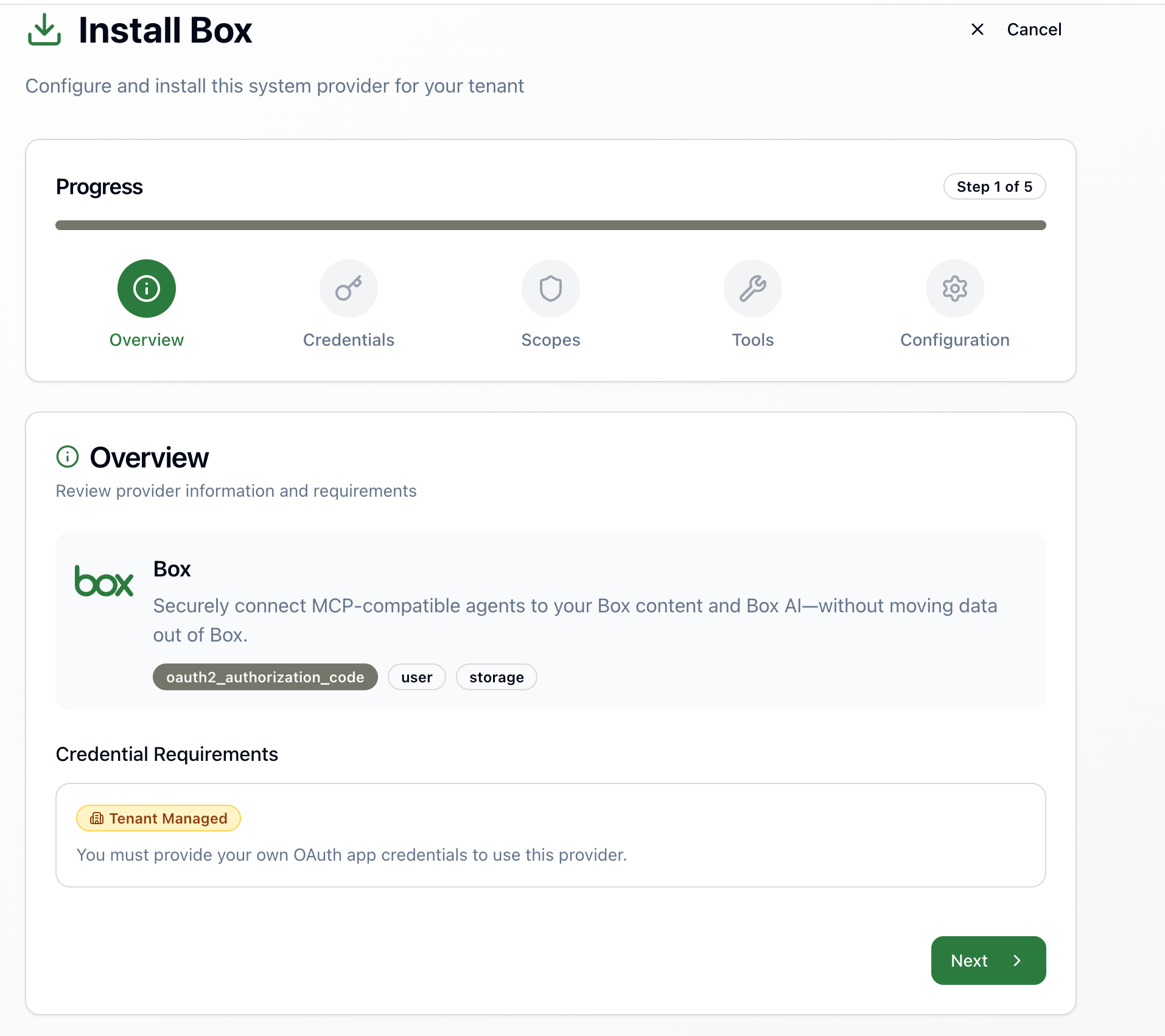
Box MCP Server configuration overview
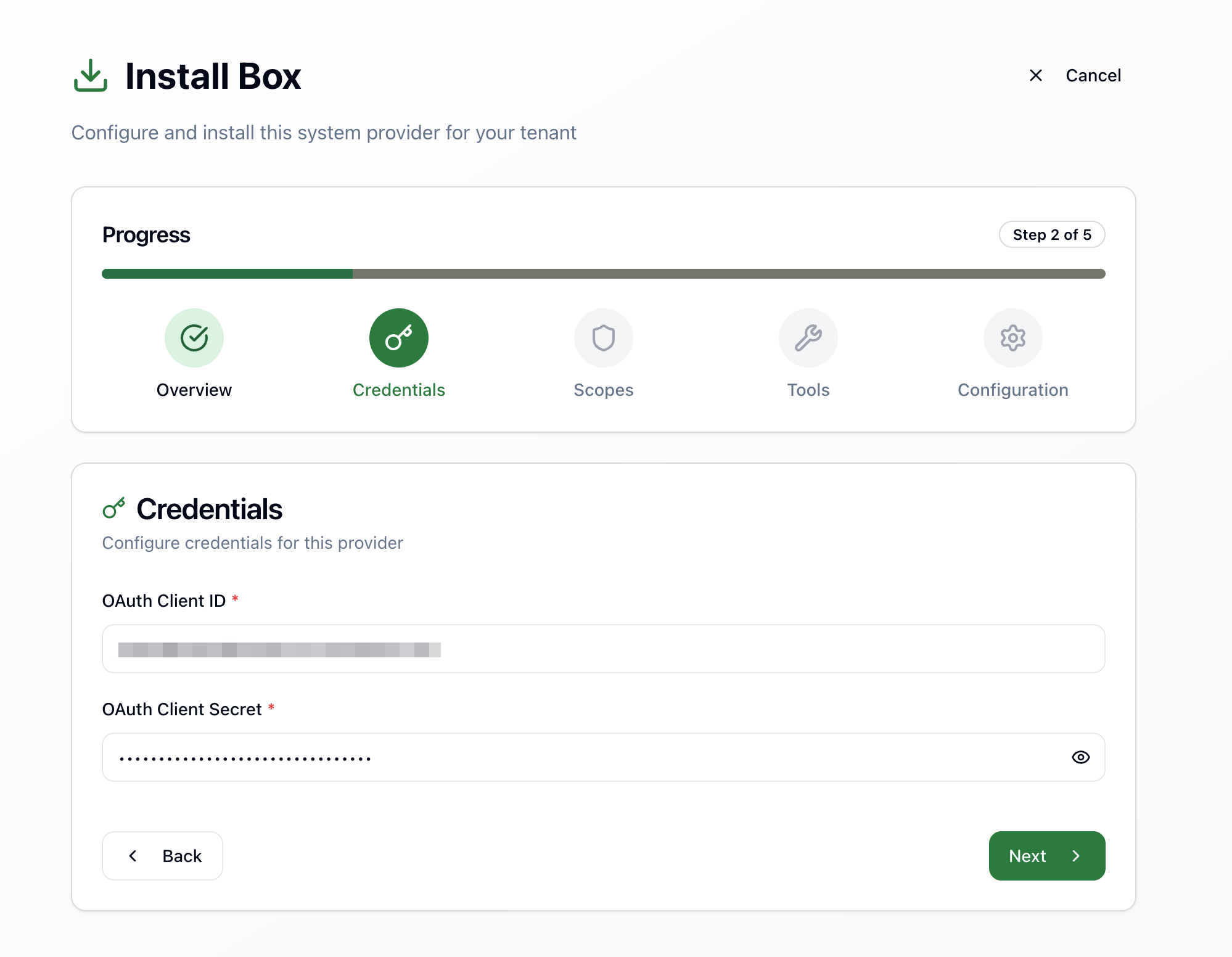
Configure OAuth2 credentials for Box
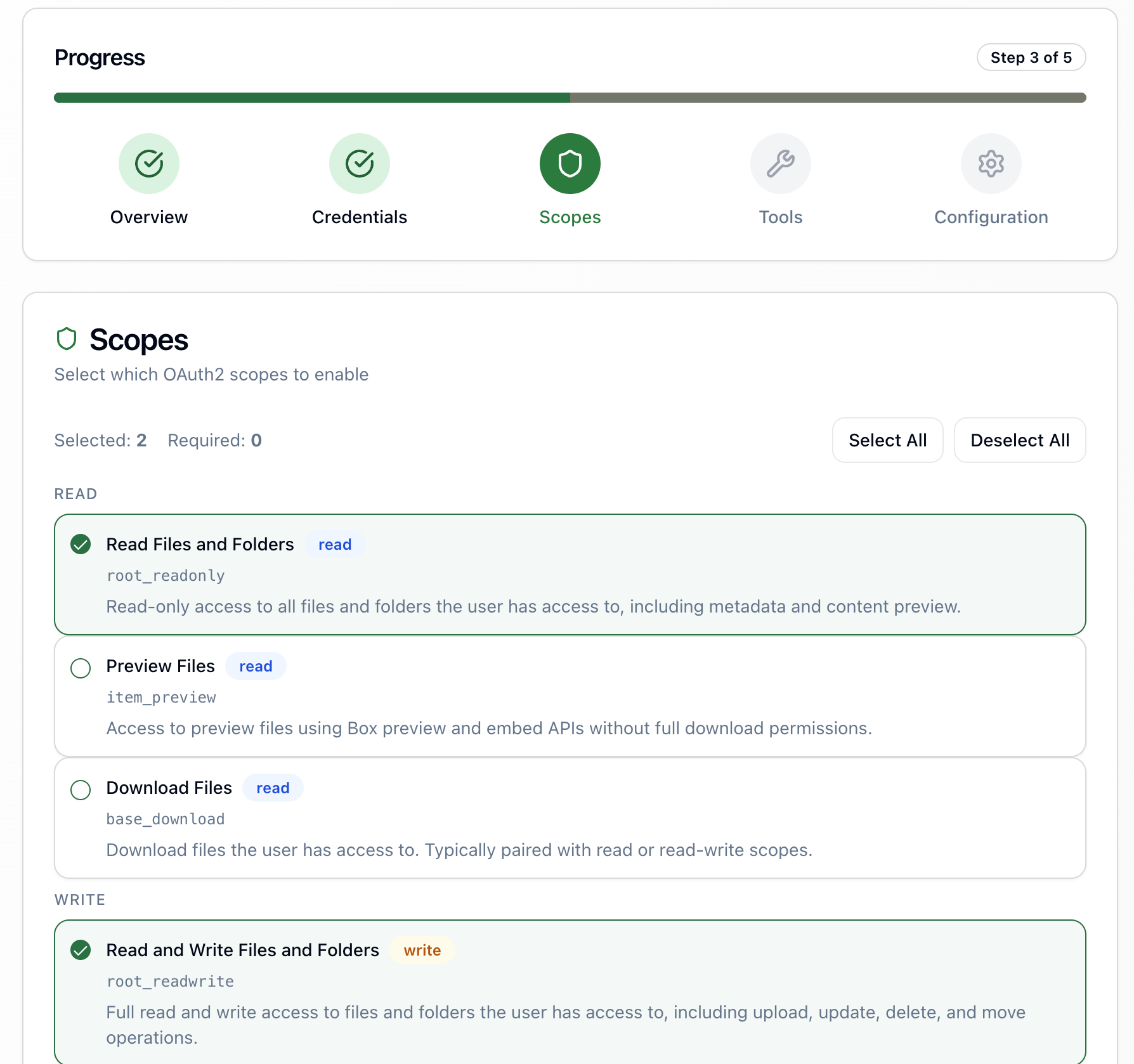
Select the permission scopes for your AI agents
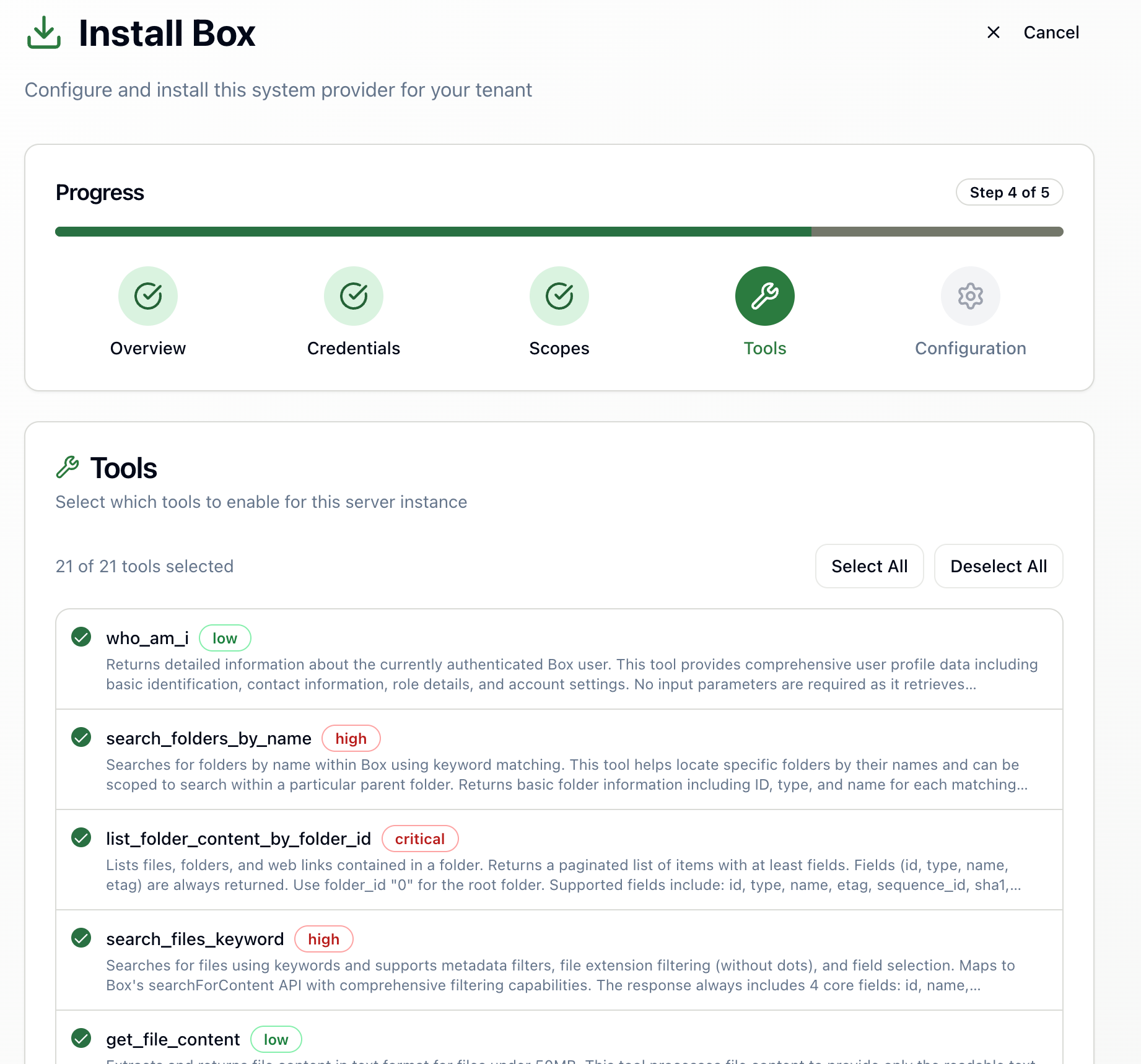
Configure available MCP tools
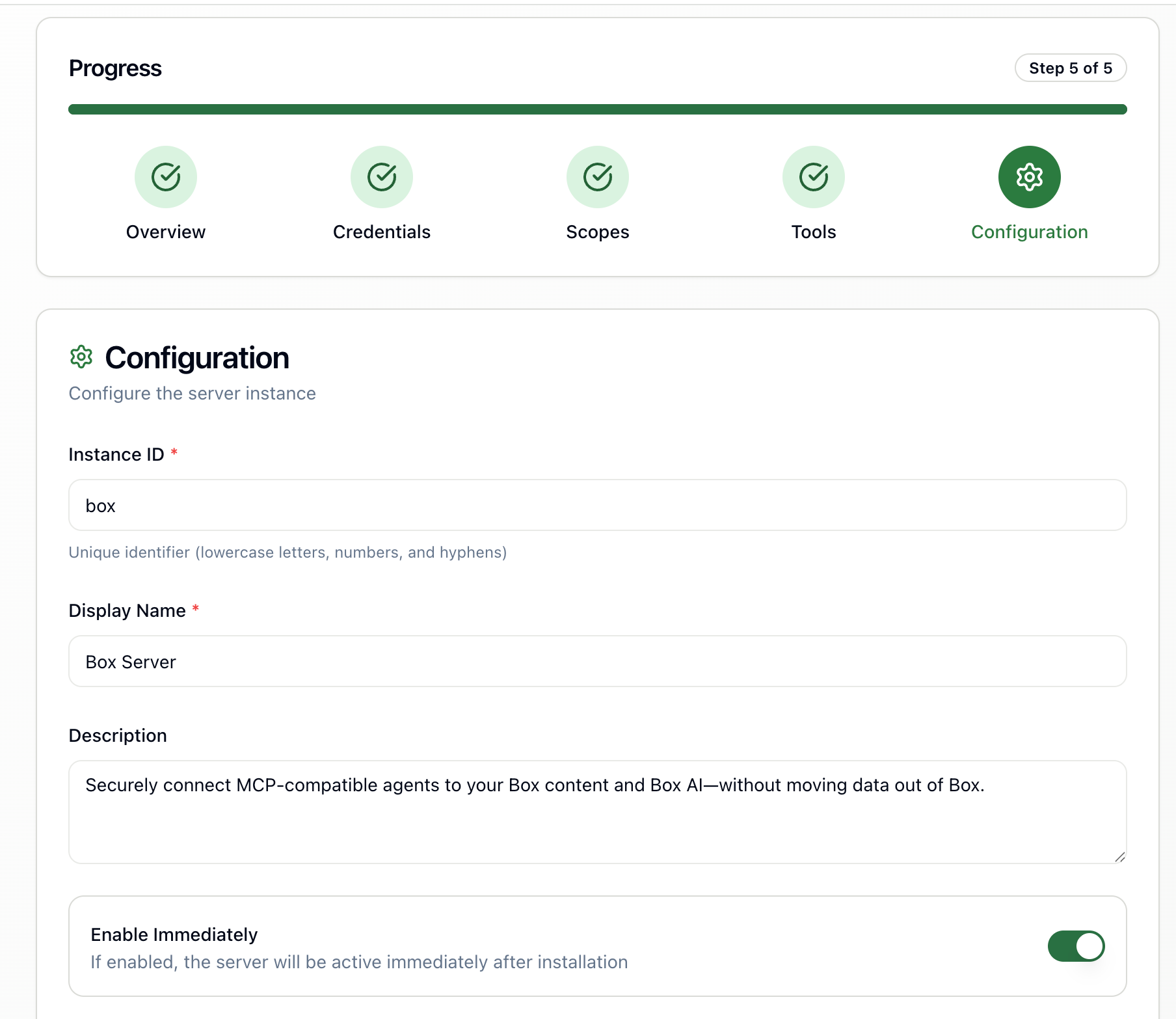
Review integration details
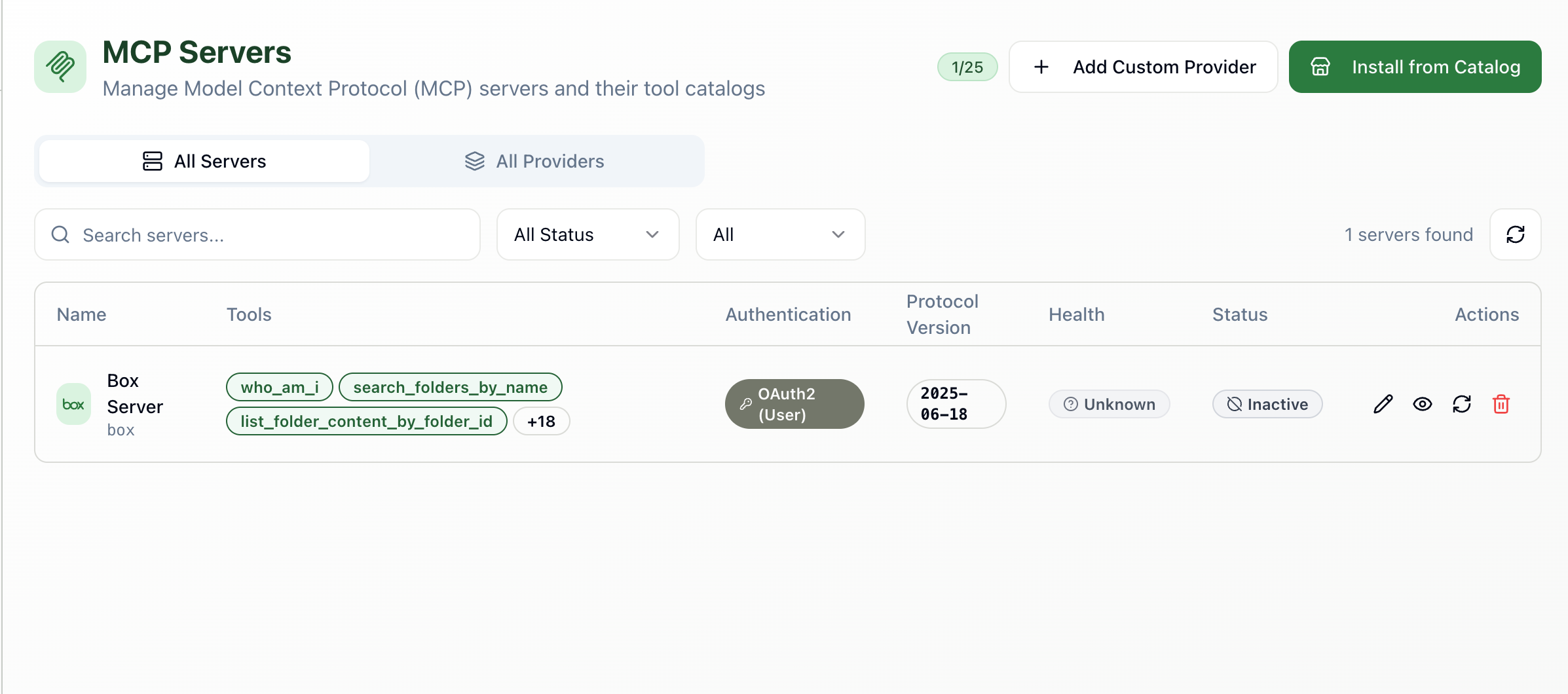
Box MCP Server successfully installed
Frequently asked about Box
- What can AI agents do with Box through Ferentin?
- Ferentin exposes 29 Box MCP tools to your AI agents, grouped as Discover (6 tools), Access (7 tools), Manage (13 tools) and Collaborate (3 tools). Every call is checked against your Ferentin policies before it reaches Box.
- How does Ferentin secure Box access?
- Requests through the Box integration are covered by PII detection, PII masking, audit logging, content moderation, encryption at rest and encryption in transit. These controls are applied by Ferentin, not by Box, so they hold across every connected agent.
- What permissions does the Box integration require?
- The Box integration requests 1 OAuth 2.0 scope: root_readwrite (elevated access) — Read, create and modify content across the enterprise Box account.
- How do I connect Box to Ferentin?
- Open the Ferentin admin console, add Box as a new connection and authenticate with OAuth 2.0. You then choose which permissions and which tools your agents may use, and the connection goes live for everyone covered by your policies.
- Is the Box integration generally available?
- Yes. The Box integration is generally available on Ferentin, including the free tier.